Connecting RuuviTags to Home Assistant
Ruuvi is a Finnish company that makes sensors for temperature, humidity, air pressure, and motion. It sells RuuviTag and RuuviTag Pro sensors. The Pro models are designed for harsher conditions, including a version that can be submerged in water. I have both types, and even the standard tags have held up outside through Finnish winters and in the sauna.
The sensors broadcast measurements over Bluetooth Low Energy (BLE). Home Assistant 2022.12 introduced a native Ruuvi integration that uses Home Assistant’s Bluetooth support. Its range is limited, though it can be extended with ESPHome Bluetooth proxies. I would need several ESP32 devices around my house for that approach, and the integration was not available when I set up my system.
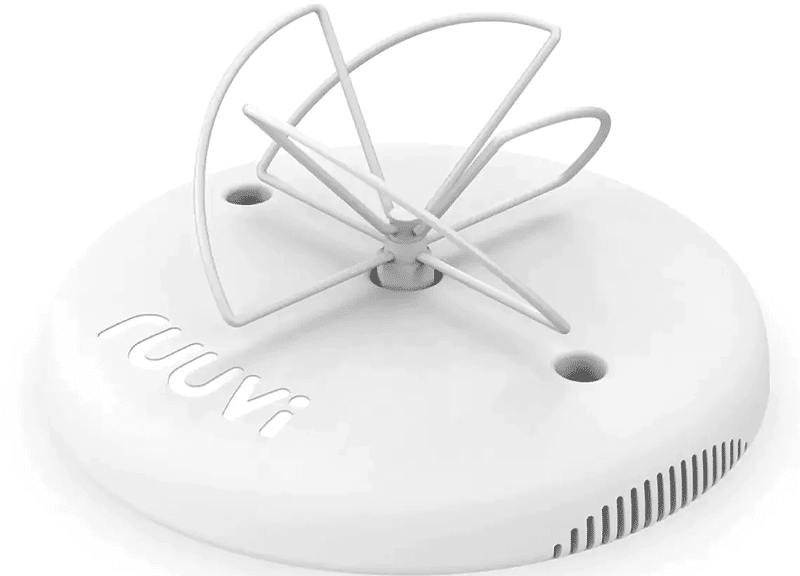
Instead, I use a Ruuvi Gateway, which picks up signals from all my RuuviTags. The gateway can send measurements to Ruuvi Station or publish them to MQTT for other systems. I have both set up, but rarely use Ruuvi Station because I also send the data to InfluxDB and use Grafana to graph it.
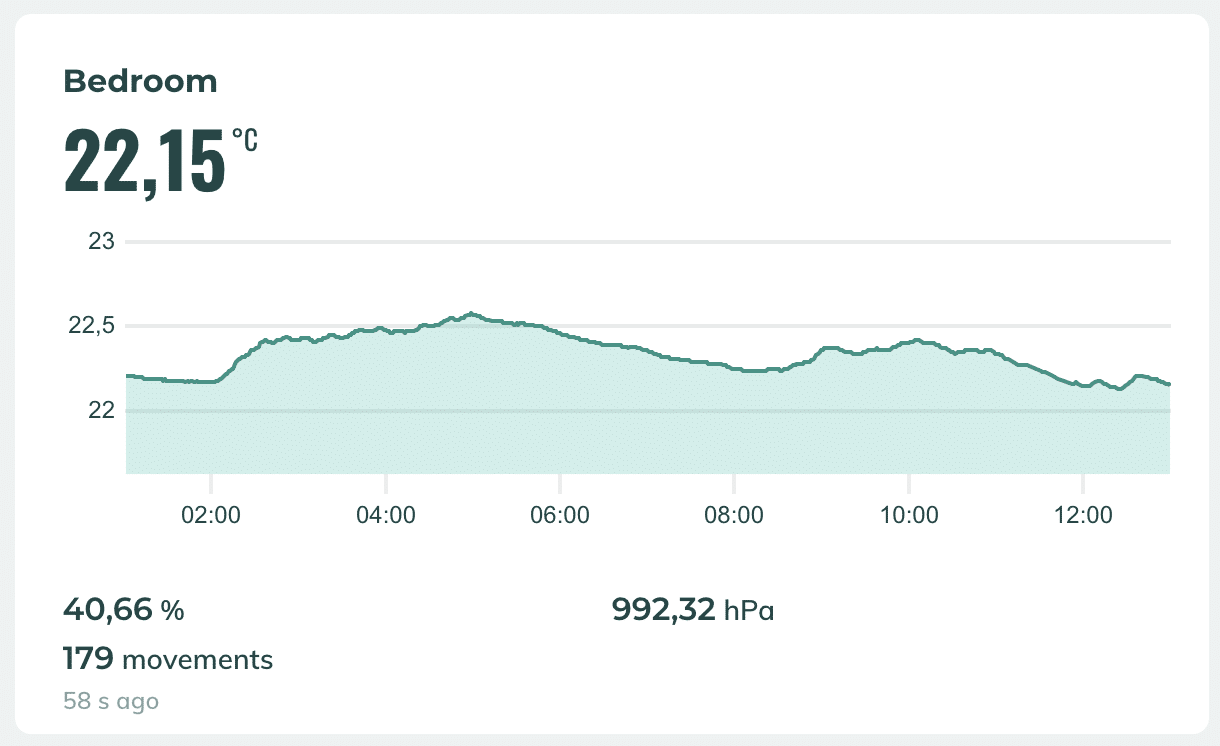
I use RuuviBridge to collect measurements and bridge them to different sources. It also lets me limit update frequency so Home Assistant is not flooded with measurements. RuuviBridge has Home Assistant support, but its entities did not use persistent identifiers when I set this up. I still use it for the data collection and have a small integration that handles Home Assistant MQTT discovery.
The Home Assistant integration is available on GitHub and as a Docker image. Here is a Compose example that connects Mosquitto, RuuviBridge, and the Home Assistant integration:
version: "3.4"
services:
  mqtt:
    image: eclipse-mosquitto
    volumes:
      - ./mosquitto.conf:/mosquitto/config/mosquitto.conf
  ruuvibridge:
    image: ghcr.io/scrin/ruuvibridge
    container_name: ruuvibridge
    restart: unless-stopped
    volumes:
      - ./ruuvibridge/config.yml:/config.yml:ro
    links:
      - mqtt
  ruuvibridge-ha-mqtt:
    image: mikakoivisto/ruuvibridge-ha-mqtt:latest
    container_name: ruuvibridge-ha-mqtt
    restart: unless-stopped
    links:
      - mqtt
    env_file:
      - docker.env
The example Mosquitto configuration allows anonymous access, which is why the RuuviBridge settings below do not specify MQTT credentials. Limit this setup to a trusted network; configure broker authentication if untrusted clients can reach it.
listener 1883
log_dest stdout
allow_anonymous true
This minimal RuuviBridge configuration listens for MQTT measurements and republishes them under the ruuvitag topic prefix. You can name tags and set minimum_interval to limit updates; one minute is enough for my use.
mqtt_listener:
  enabled: true
  broker_url: tcp://mqtt:1883
  client_id: RuuviBridgeListener
  # username: ruuvibridge
  # password: ruuvipassword
mqtt_publisher:
  enabled: true
  minimum_interval: 60s
  broker_url: tcp://mqtt:1883
  client_id: RuuviBridgePublisher
  # username: ruuvibridge
  # password: ruuvipassword
  topic_prefix: ruuvitag
tag_names:
  C5450489AF76: Bedroom
  CC2BE24AE159: Kids room
The integration uses the following docker.env settings. RUUVIATTRIBUTES limits which attributes it publishes to Home Assistant:
MQTTHOST=mqtt
MQTTPORT=
MQTTUSER=
MQTTPASS=
RUUVITOPIC=ruuvitag
HASSTOPIC=homeassistant/status
DEBUG=app:info,app:error,app:debug
RUUVIATTRIBUTES=temperature,humidity,pressure,dewPoint,batteryVoltage
Finally, enable MQTT in Home Assistant by adding mqtt: to configuration.yml. Then add the MQTT integration in Settings → Devices & services and configure the broker host, username, and password.